Save a curated list of merchants to re-use between orders, update the selection, or remove merchants from the list without API changes needed
You can create and use merchant selection templates to enhance the flexibility of your order creation workflow. By defining payout types in templates, you can easily reuse them across multiple orders, streamlining the payout selection experience for your users.
Merchant selection templates are predefined in the Playground environmentTemplates you create yourself cannot be used in the Playground environment. Instead we supply a predefined set of template IDs for testing purposes. See the playground documentation for more details.
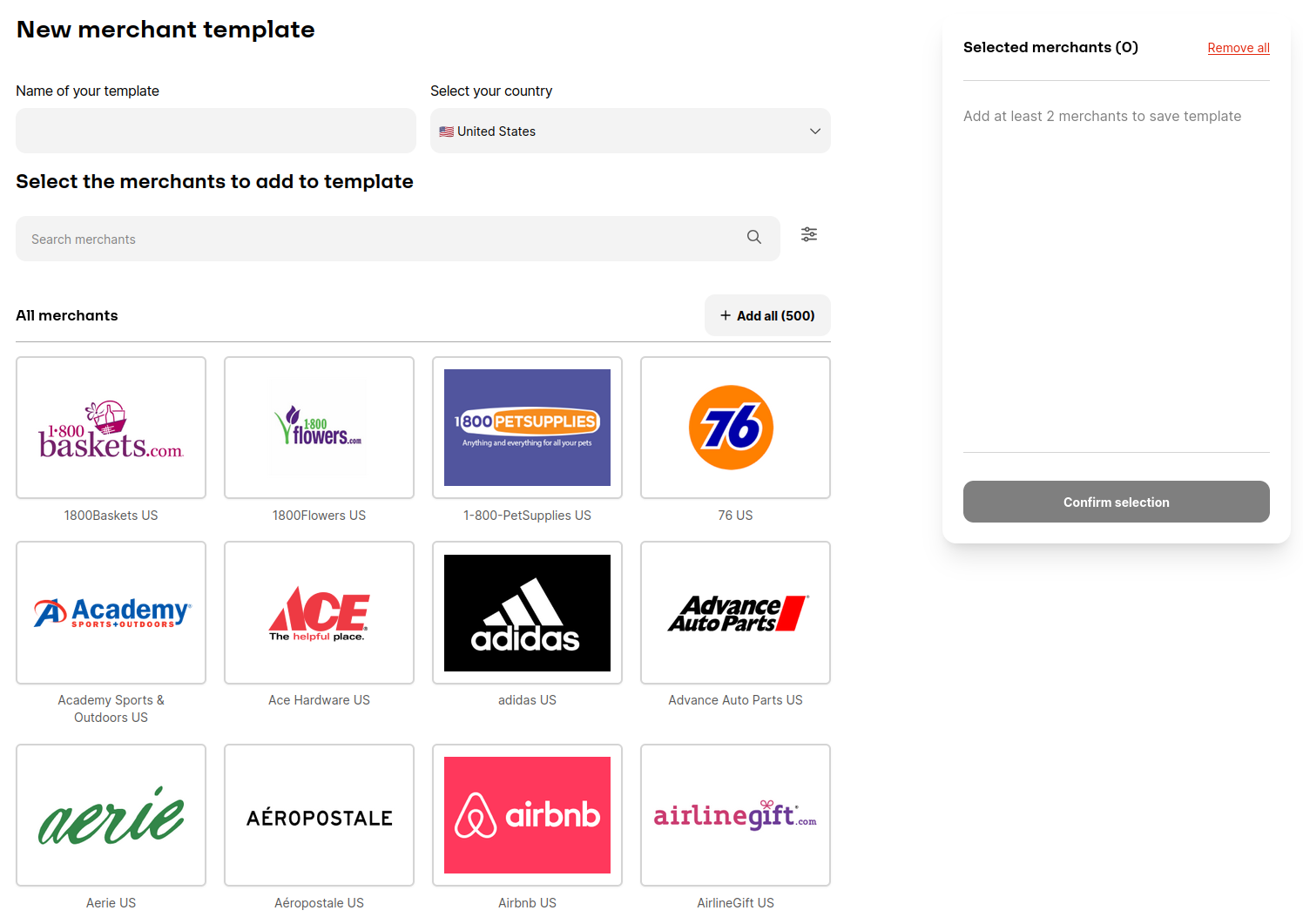
Interface for creating a merchant selection template
2
Grab the template ID
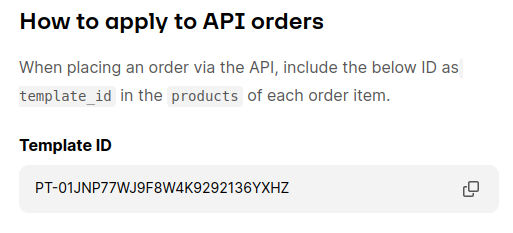
After creating Payout Type Template, you will be assigned a unique template ID. This ID is essential for associating your predefined payout types with specific products on the Runa API.
The template ID is displayed on the template page
3
Use the template ID in your order request
When placing an order
Set the type of the products object to TEMPLATE
Set the template_id in the products object to the ID you have obtained from the previous step.
Ensure the face_value is a whole number and equal or greater than the minimum face value of the products selected.
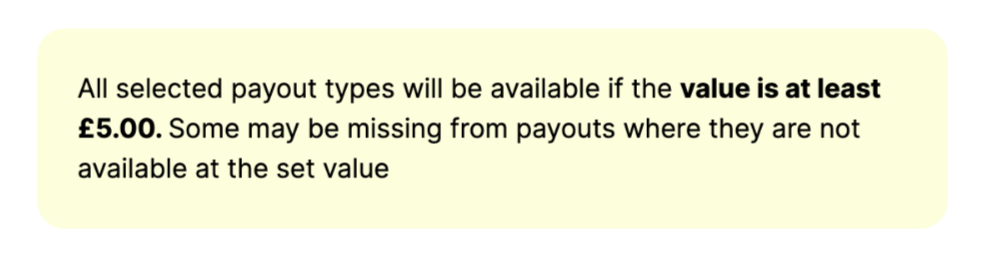
For payout link to contain all the selected payout options, you will need to meet a minimum face value during ordering. Although it is not strict requirement, it ensures that any of the payout options can be redeemed. If no products meet the face value requirement the order will be rejected.When creating the merchant template you will be shown the minimum value.
Message shown in the portal when the minimum payout value is not met
We currently support a maximum of 10 unique payout selection templates usage per order. Please talk to your Account Managers if you need support with this.