> ## Documentation Index
> Fetch the complete documentation index at: https://developer.runa.io/llms.txt
> Use this file to discover all available pages before exploring further.
# Save product selections between orders
> Save a curated list of merchants to re-use between orders, update the selection, or remove merchants from the list without API changes needed
You can create and use merchant selection templates to enhance the flexibility of your order creation workflow. By defining payout types in templates, you can easily reuse them across multiple orders, streamlining the payout selection experience for your users.
**Merchant selection templates are predefined in the Playground environment**
Templates you create yourself cannot be used in the Playground environment. Instead we supply a predefined set of template IDs for testing purposes. See [the playground documentation](/reference/2024-02-05/playground#default-product-selection-templates) for more details.
## Using Payout Templates
Visit [Merchant selection templates](https://app.runa.io/customization/payout-selection) to create a template.
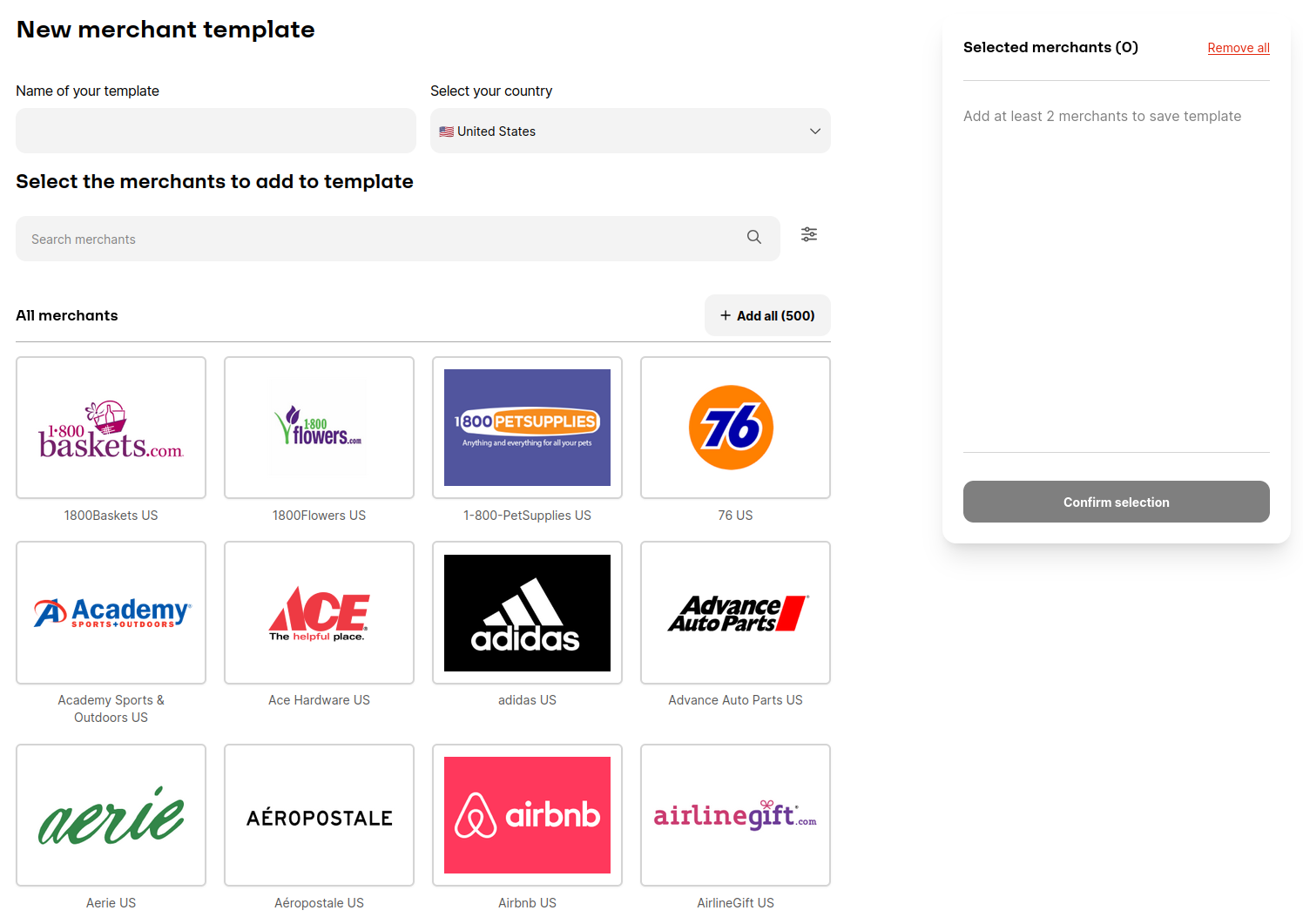 After creating Payout Type Template, you will be assigned a unique template ID. This ID is essential for associating your predefined payout types with specific products on the Runa API.
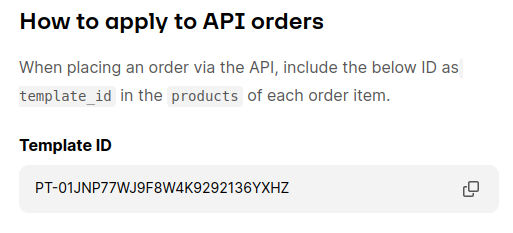 When placing an order
* Set the `type` of the `products` object to `TEMPLATE`
* Set the `template_id` in the `products` object to the ID you have obtained from the previous step.
* Ensure the `face_value` is a whole number and equal or greater than the minimum face value of the products selected.
```json Request example {9-12} theme={null}
{
"payment_method": {
"type": "ACCOUNT_BALANCE",
"currency": "GBP"
},
"items": [
{
"face_value": 10,
"products": {
"type": "TEMPLATE",
"template_id": "YOUR_TEMPLATE_ID"
},
"distribution_method": {
"type": "PAYOUT_LINK"
}
}
]
}
```
See the [order request reference](/reference/2024-02-05/endpoint/orders/create#body-distribution-method-template-id) for more details.
### Minimum payout value
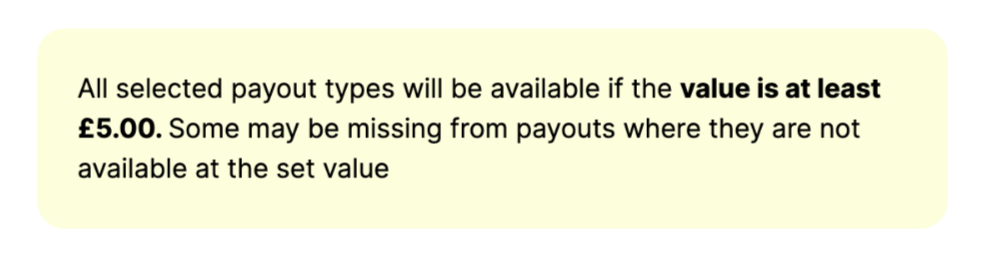
For payout link to contain all the selected payout options, you will need to meet a minimum face value during ordering. Although it is not strict requirement, it ensures that *any* of the payout options can be redeemed. If no products meet the face value requirement the order will be rejected.
When creating the merchant template you will be shown the minimum value.
When placing an order
* Set the `type` of the `products` object to `TEMPLATE`
* Set the `template_id` in the `products` object to the ID you have obtained from the previous step.
* Ensure the `face_value` is a whole number and equal or greater than the minimum face value of the products selected.
```json Request example {9-12} theme={null}
{
"payment_method": {
"type": "ACCOUNT_BALANCE",
"currency": "GBP"
},
"items": [
{
"face_value": 10,
"products": {
"type": "TEMPLATE",
"template_id": "YOUR_TEMPLATE_ID"
},
"distribution_method": {
"type": "PAYOUT_LINK"
}
}
]
}
```
See the [order request reference](/reference/2024-02-05/endpoint/orders/create#body-distribution-method-template-id) for more details.
### Minimum payout value
For payout link to contain all the selected payout options, you will need to meet a minimum face value during ordering. Although it is not strict requirement, it ensures that *any* of the payout options can be redeemed. If no products meet the face value requirement the order will be rejected.
When creating the merchant template you will be shown the minimum value.
 ## Limitations
We currently support a maximum of 10 unique payout selection templates usage per order. Please talk to your Account Managers if you need support with this.
## Limitations
We currently support a maximum of 10 unique payout selection templates usage per order. Please talk to your Account Managers if you need support with this.